Every parent knows the feeling. It’s Sunday evening, you open your inbox, and there are 12 unread emails from school. Permission slips, trip dates, payment deadlines, uniform reminders, newsletter updates, and that one email about the bake sale you definitely forgot about.
The problem with school emails
School emails contain critical information buried in walls of text. A single newsletter might include:
- A field trip date requiring packed lunch
- A payment deadline for an activity
- A form that needs signing by Wednesday
- A change to pickup time next Thursday
- A reminder about non-uniform day
Most parents either skim and miss things, or spend 20 minutes carefully reading and manually adding things to calendars and to-do lists.
What if AI could read them for you?
This is exactly what Nabbo does. Instead of reading, processing, and manually entering every detail — you simply forward the email to your Nabbo address.
Within seconds, Nabbo’s AI extracts:
- Events with dates, times, and locations
- Deadlines for payments and forms
- Tasks like “pack lunch” or “bring costume”
- Changes to existing plans
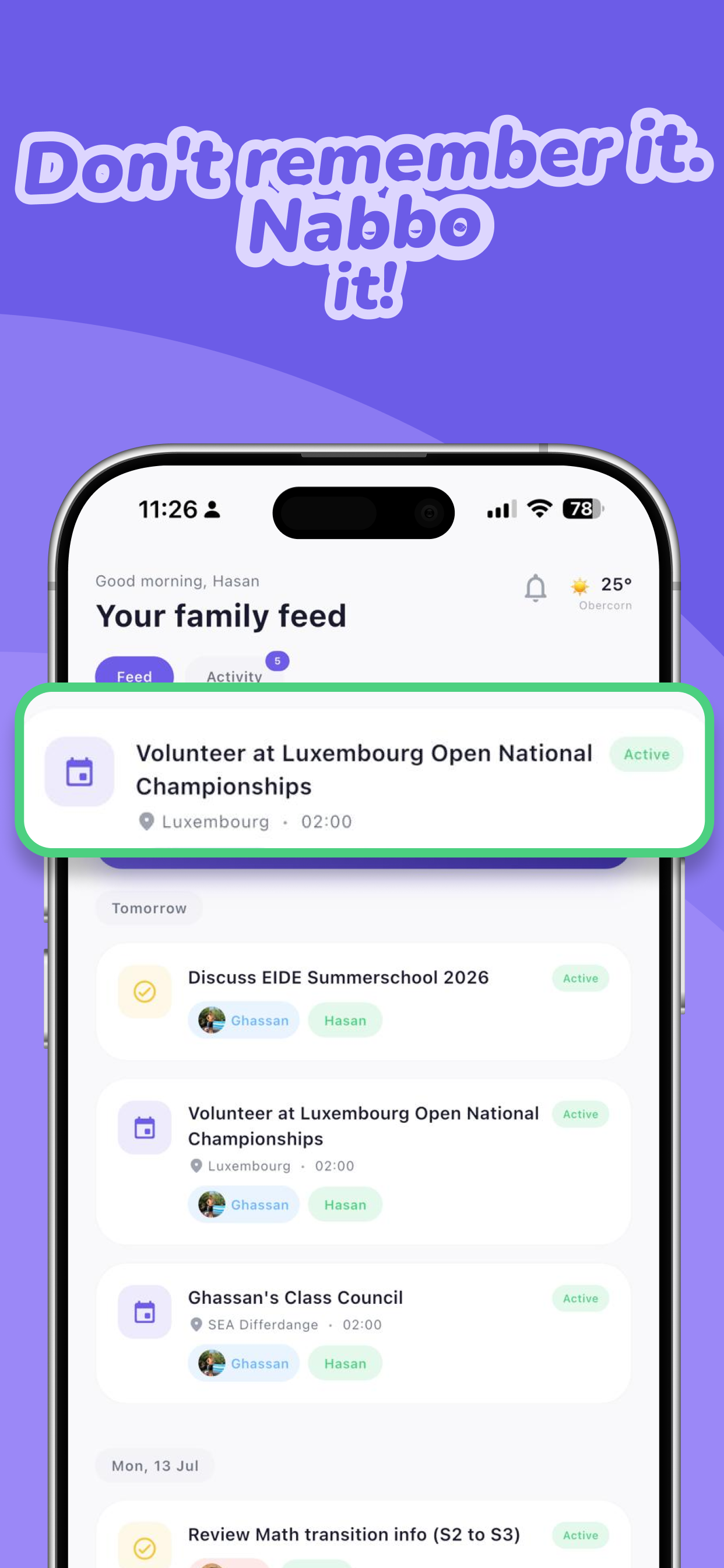
Each extracted item appears as a clear card you can approve with one tap.
The workflow
- Forward the email — takes 2 seconds
- Wait for extraction — Nabbo reads it in ~5 seconds
- Review and approve — tap to confirm each item
- Done — items appear in your family feed with reminders
No more missed permission slips. No more “I didn’t see that email” moments. No more Sunday evening email anxiety.
Real example
A parent forwarded this school email:
“Year 3 trip to Science Museum on Friday 14th. Depart 9am, return 3:30pm. Packed lunch needed. £5 contribution by Wednesday. Permission slip attached.”
Nabbo extracted 5 items:
- 📅 School trip — Friday 14th, 9am–3:30pm
- 📍 Location: Science Museum
- 🎒 Task: Packed lunch needed
- 💷 Deadline: £5 due Wednesday
- 📝 Task: Permission slip to sign
All approved in under 10 seconds. All with reminders set.
Tips for managing school communications
- Create a rule — auto-forward school emails to your Nabbo address
- Don’t batch — forward immediately when received, review later
- Trust the AI — if something looks wrong, edit it. But most extractions are accurate
- Check on Sunday — open Nabbo’s week view to see what’s coming
Stop reading. Start forwarding.
The mental load of school communications is real. But it doesn’t have to be yours to carry alone. Let AI do the reading — you just approve the plan.